


 E
- Word: “Ball!”10 months
- Steps11 months
- Time at the sea1 year 3 months
- Sentence1 year 5 months
Leo’s firsts
Mark any memory as a first: a smile, steps, a word. Brooks keeps a list of their own.
For parents, grandparents and everyone in between
Photos, videos, voice notes and words, with their age on every one. Grandma and the rest add theirs, and you choose who sees what.
What is TinyThen?
TinyThen is a private family photo sharing app for parents of babies and young children. Each child gets one story of photos, videos, voice notes and written memories, in order, with their age on every memory. Parents invite family by email, grandparents add theirs from a guest link, and parents choose what each person can see. It works in the browser on any phone or computer, with no ads.
Why TinyThen
Each child has a story of their own, in order, and every photo says how old they were that day.
See their storyNo app and no password. One link or QR code for the whole family, one child or one album.
See how family joinsEverything, some children, some albums or nothing, set for each person, with your approval first if you like.
See who sees whatDownload a child’s whole story as originals by date, on every plan and after you stop paying.
See what you keephow it works
Create the family with your first child, or a baby on the way.
Photos, videos, voice notes and words, each with their age.
Another parent, grandparents, friends. You choose what each sees.
Firsts, monthly recaps and On this day, in one calm digest.
family and friends
The people who love Leo have photos you’ve never seen. TinyThen gathers them into his story, and you stay in charge of what goes in.
Nana added 3 photos · 3 waiting
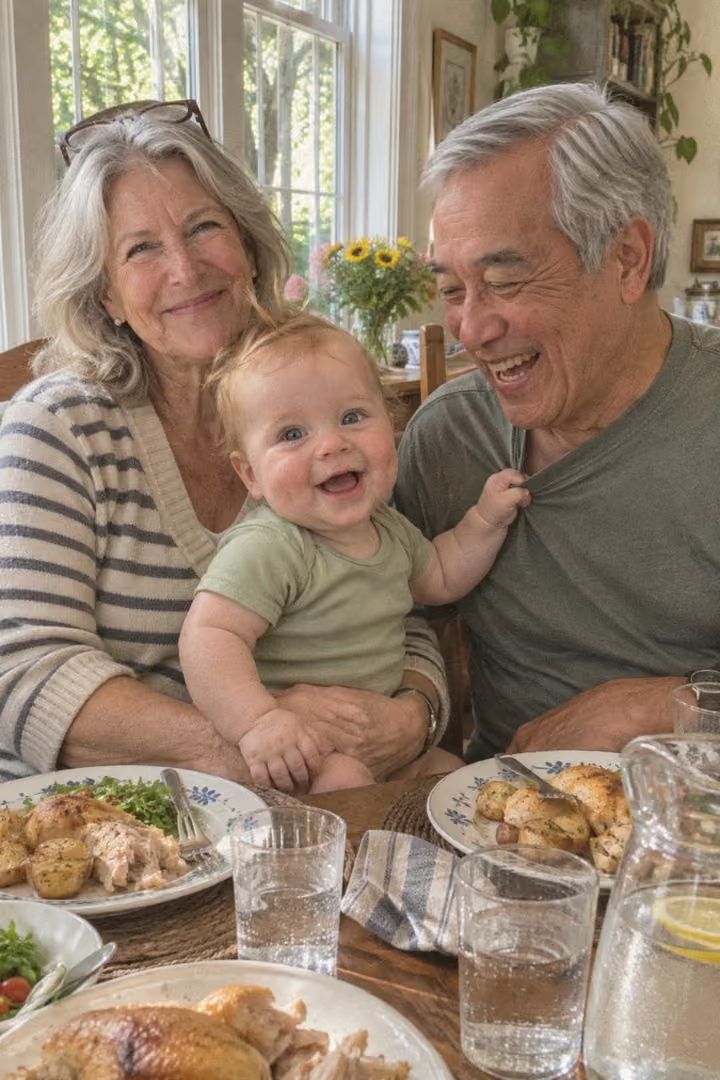

Try it: pick a photo, then approve.
Photo 1 of 3: Sunday lunch, Leo at 6 months.
voice and words
Record a voice note on its own or on a photo. Or write it in one of seven styles, from a quick note to a letter for when they’re older. Grandparents often find it easier to say it than to type it.
When you’re older, I want you to know how loudly you laughed the day Uncle Ben put a spoon on his nose. I watched his video in Lisbon and laughed with you every time.
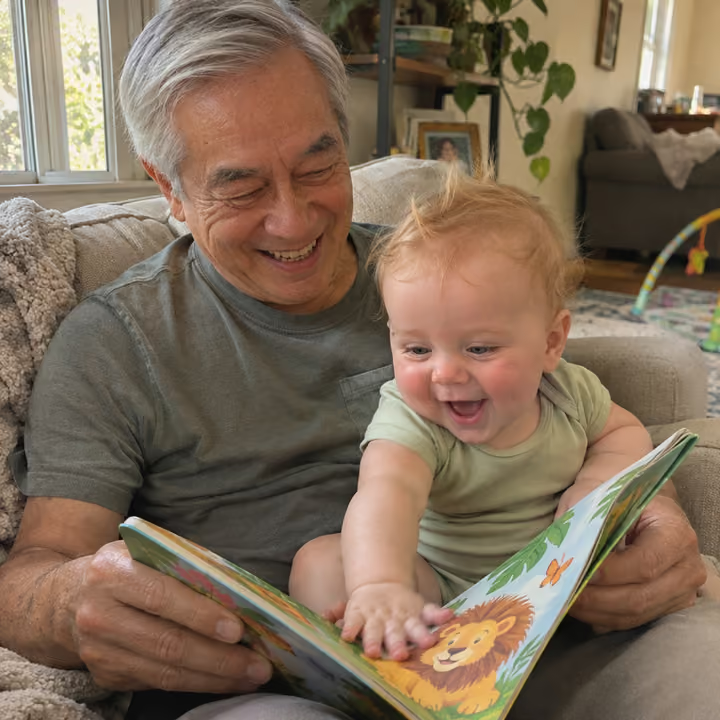
Love always, Auntie Sophie NanaLeo’s grandmother“Peter Rabbit”Reading to Leo · 1 year 1 month0:09
“Now, my dears,” said old Mrs. Rabbit one morning, “you may go into the fields or down the lane, but don’t go into Mr. McGregor’s garden.”
 SamLeo’s dad“First sentence”On its own · Leo, 1 year 5 months0:11
Nineteenth of July. First proper sentence, at bedtime. He pointed at the window and said, “Moon, night-night.” Taylor heard it too, so it counts.
 Uncle BenLeo’s uncle“First belly laugh”On his video · Leo, 9 months0:06
Spoon on the nose. First real belly laugh. We’d been trying for an hour before this.
their story
Each child has a story of their own, in order, with their age on every memory. A memory of both children shows in both stories. No likes, no counts: just Leo, growing up.
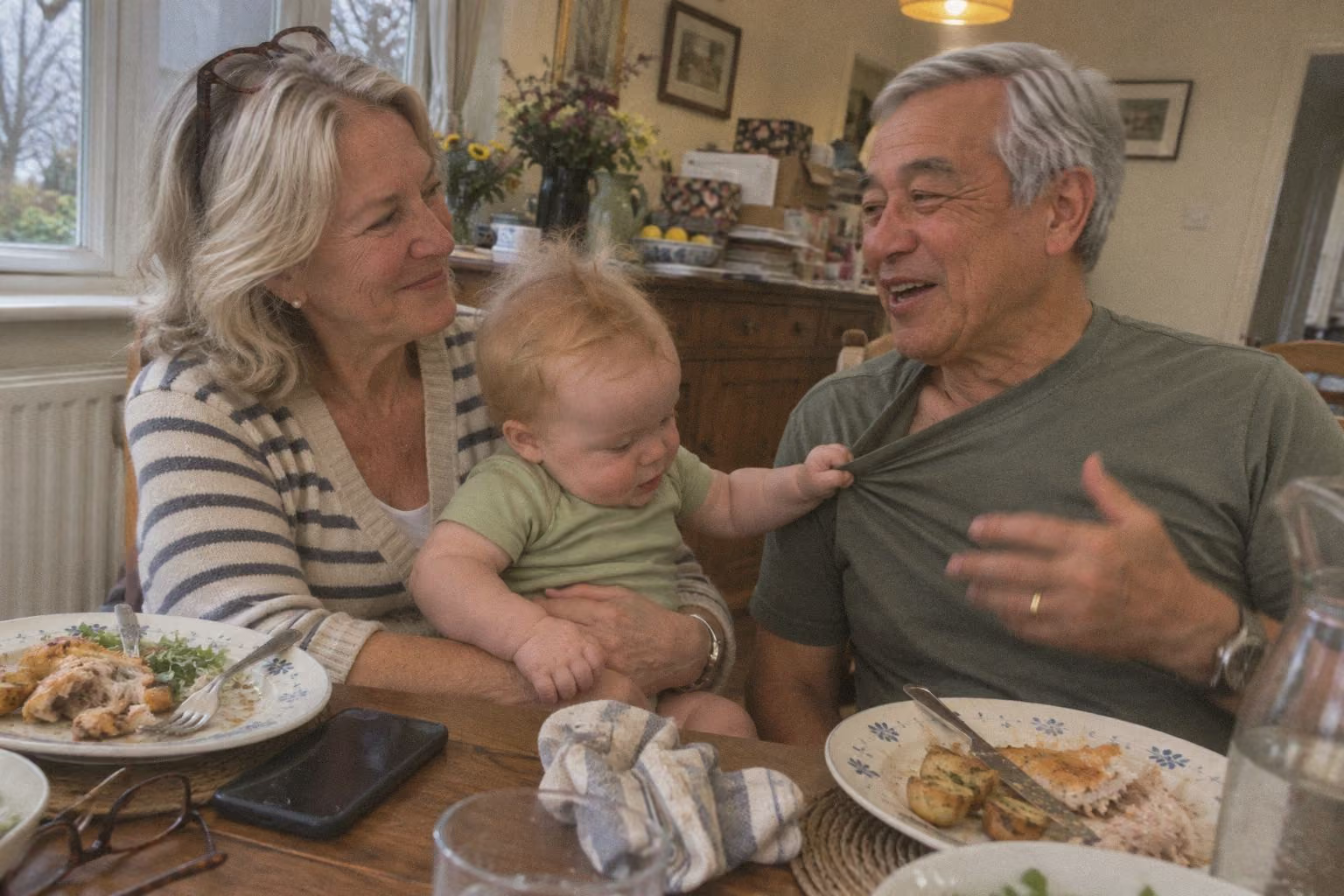
Sunday lunch at ours. He wouldn’t let go of Grandpa’s shirt all afternoon.
His first sentence, said to the window at bedtime.
Moon, night‑night.
Brooks is three weeks old, and Leo still checks all ten fingers are there.
Also in Brooks’ story, at 3 weeks

Mark any memory as a first: a smile, steps, a word. Brooks keeps a list of their own.
A recap each month, with a collage and the month’s firsts. Play it like a story.
Memories from the same date in earlier years. Turn it off, or hide dates you’d rather not see.
Albums belong to the family. Make one for a single child, or for several together.
private sharing
For each person, you choose what they see (everything, some children, some albums, or nothing), what they can add, and whether you approve it first. Turn a card over to see.
Viewing link
Leo’s first year
yours to keep
Parents can download a child’s whole story: the originals, by date, with captions and voice notes. Deleted something by mistake? It waits in Recently deleted for 30 days.
Leo’s story
Switching apps
Bring the photos you already have, and keep the people who already look at them. See how TinyThen compares with Tinybeans.
Add photos and videos in one go. Each lands at the right age, from the date it was taken.
Invite them by email, or send a link that opens in a browser. Guests need no account.
Download a child’s whole story on every plan, with originals, captions and voice notes.
Pricing
Every plan has every feature. Plans differ only in storage and video. Grandparents, family and guests never pay, and every child is included. Compare the plans line by line.
$3.99a month
Billed monthly, or $35.88 a year
$2.99a month
Instead of $47.88 $35.88 billed yearlySave $12
For photos first, and the odd short clip.
Join the waitlist$6.99a month
Billed monthly, or $59.88 a year
$4.99a month
Instead of $83.88 $59.88 billed yearlySave $24
Where most families start. The 30-day trial is on this plan.
Join the waitlist$14.99a month
Billed monthly, or $119.88 a year
$9.99a month
Instead of $179.88 $119.88 billed yearlySave $60
For families who film a lot, for years.
Join the waitlistquestions
More answers on the FAQ page. Something else? Write to hello@tinythen.com.
No. TinyThen works in the browser on a phone or a computer, with nothing to install from an app store. Family you invite by email open it there; guests add photos from a guest link or a QR code without an account.
Only the people you invite, and only what you choose for each of them: everything, some children, some albums, or nothing. People see only the children they have access to, and TinyThen never names a child to someone who may not see them.
One price per family: Little $3.99, Family $6.99 and Forever $14.99 a month, or $2.99, $4.99 and $9.99 a month paid yearly. Family members and guests never pay, and every child is included. See the plans side by side.
No. There is a 30-day free trial of the Family plan instead. A card is needed to start; cancel before the trial ends and you pay nothing.
Nothing is deleted. The story stays visible to everyone you invited and you can still download everything; you just can’t add new memories until you pay again.
Yes, on every plan. Parents can download a child’s whole story: the originals, arranged by date, with captions and voice notes.
No. There is one digest per family, never one email per upload, and each person chooses how often: as they’re added (at most one an hour), once a day, once a week or never.
Deleted memories stay in Recently deleted for 30 days, and you can restore them from there.
Join the waitlist for 20% off your first year. We’ll write once, when the 30-day trial is ready for your family.
TinyThen is in development. We’ll email once to confirm and send your code, then only when the trial is ready. Leave any time.
